


Tap the 'start geolocated route' button at the bottom of the home page and sign up for the service if you haven't already done so.
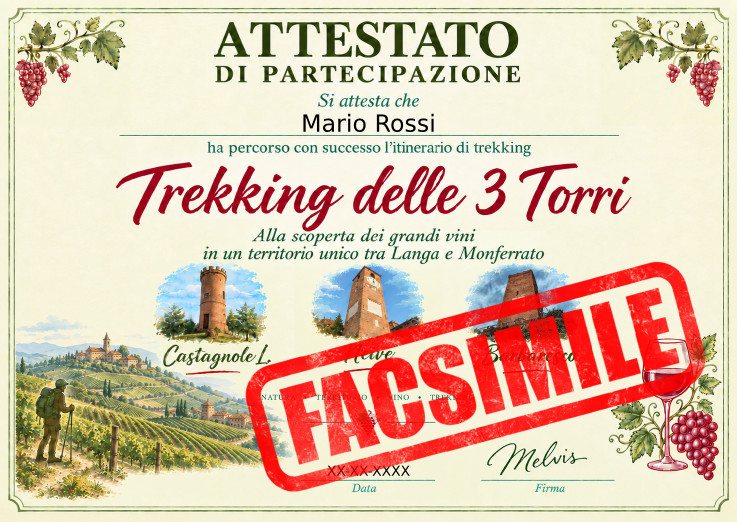
At the end of the hike, you can request a hiking certificate with your name and surname, which will be sent directly to your email address.
To view the elevation profile, simply tap anywhere on the route.
- The service works once geolocation is enabled on your phone
- Since it may take a few moments to determine your location, please wait
- Those who have demonstrated that they have completed the entire route by earning all the credits along the way are eligible for the hiking certificate
- There are three credits, one per tower
- To redeem a credit, you must go to each tower, open the corresponding information sheet, and then tap the 'redeem credit' button that will appear at the bottom of the page